Microsoft Edge Secure Network VPN: How It Works and How to Turn It On
Learn what Microsoft Edge Secure Network protects, how to enable or disable it, and when you may need a separate VPN.
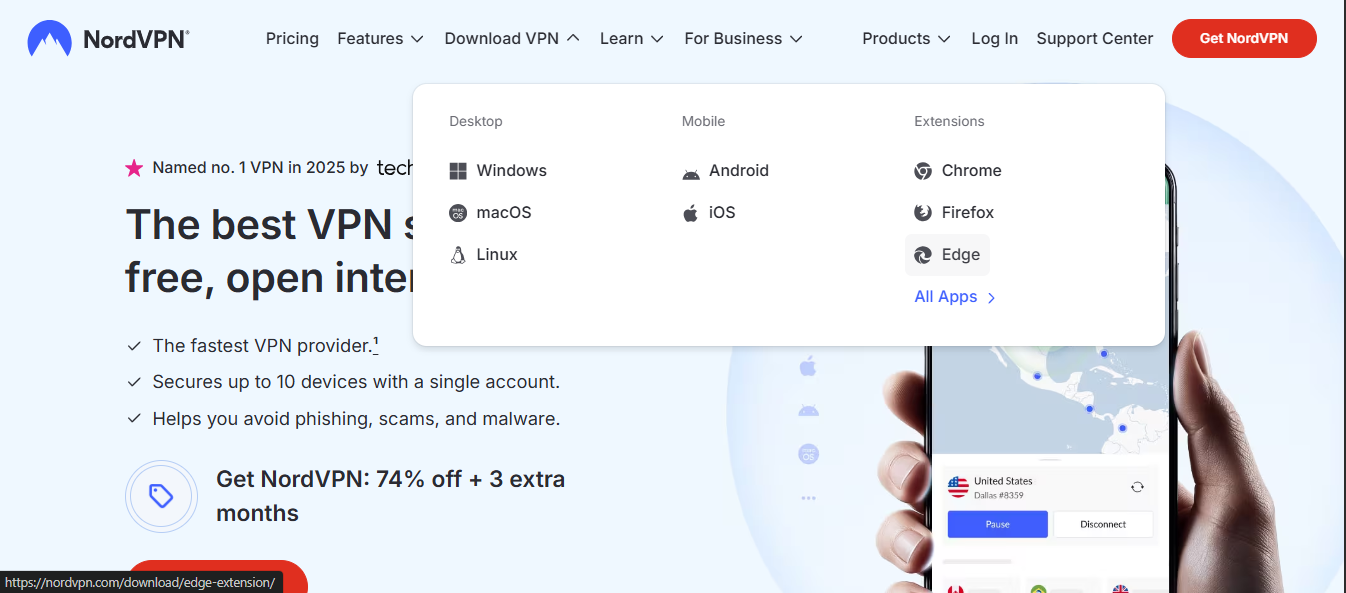
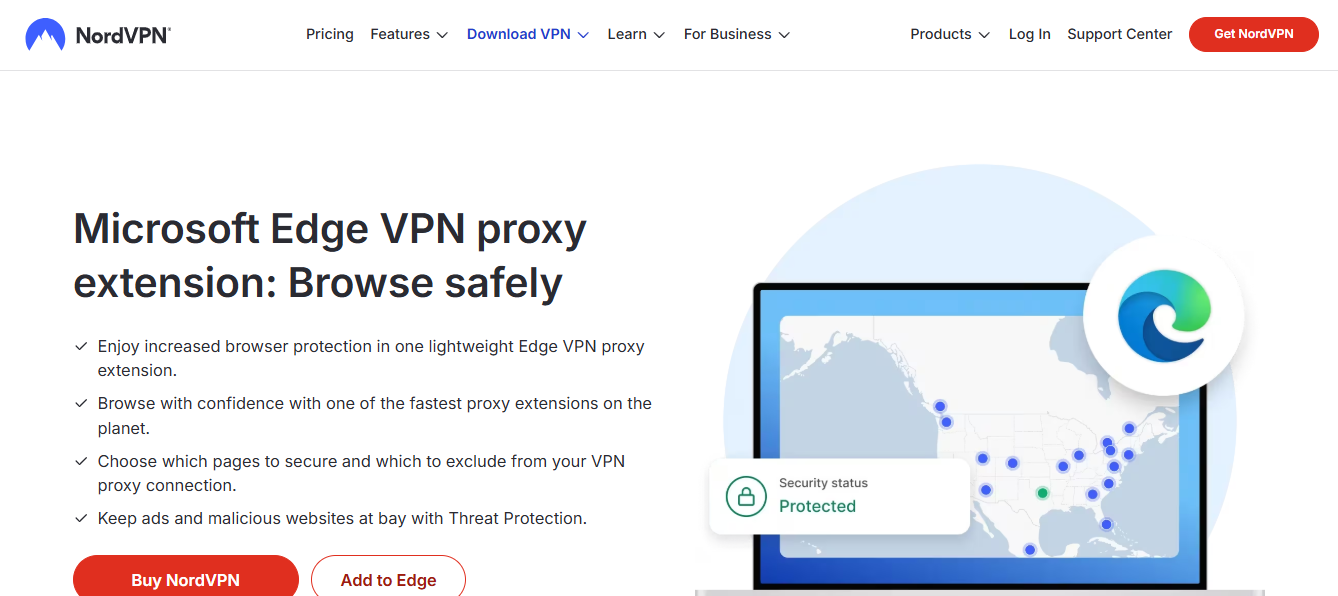
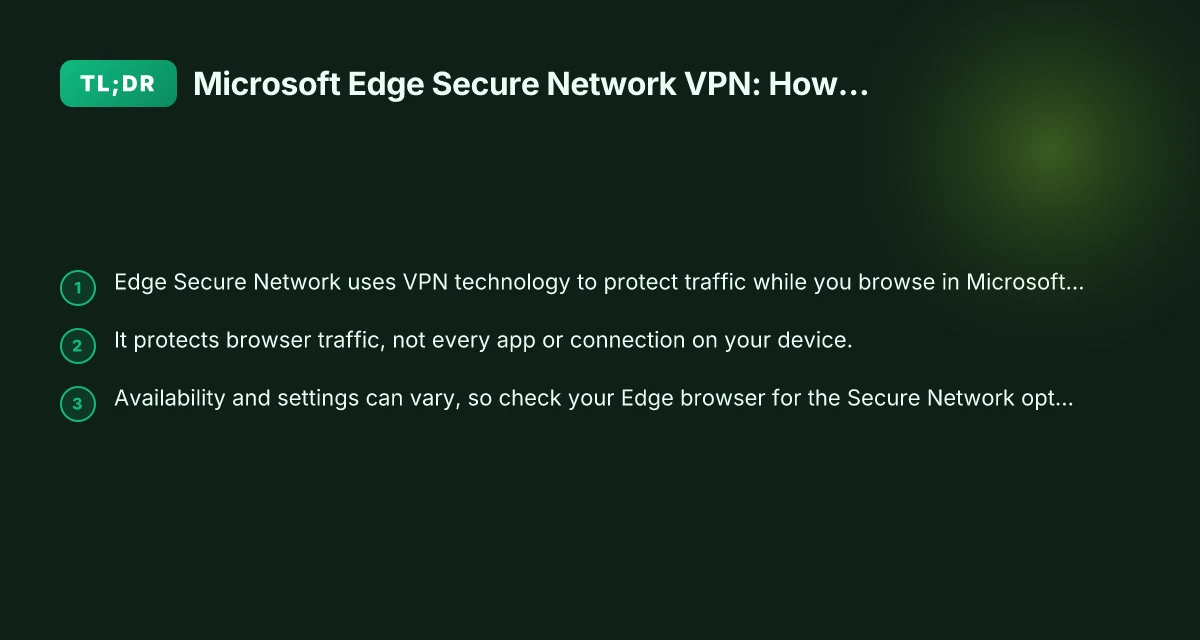
Microsoft Edge Secure Network VPN is a built-in privacy feature that uses VPN technology to help protect your browsing traffic, particularly on open Wi-Fi. To turn it on, open Edge settings and look under Privacy, search, and services for Microsoft Edge Secure Network. If the option is available, choose the setting that enables it and follow any prompts. Keep in mind that this protection applies to browsing in Edge. It does not automatically cover other browsers or apps on your device.
Editor's pick: NordVPN — fast, secure VPN — Strong encryption, a no-logs policy and apps for every device. 30-day money-back guarantee. Get NordVPN →
What Edge Secure Network provides compared with a full VPN
| Feature | Edge Secure Network | Full VPN |
|---|---|---|
| Availability | Built into Microsoft Edge | Separate service or app |
| Traffic covered | Edge browser traffic | Often all device traffic |
| Network protection | Encrypts supported Edge traffic | Depends on provider and settings |
| IP address masking | Masks your IP on supported traffic | Typically masks your IP |
| Data allowance | Limited monthly allowance | Varies by provider and plan |
| Account needed | Microsoft account may be required | Varies by provider |
| Server locations | Limited service choices | Often multiple locations |
| Control over location | Limited | Often available |
| Best suited for | Added protection while browsing in Edge | Broader device or location needs |
Compiled November 2026; check the provider's site for current details.
| VPN | Obfuscation | From / month | Plan | Free plan | Refund | Alipay | UnionPay | Crypto | Website opens in China | Trustpilot | |
|---|---|---|---|---|---|---|---|---|---|---|---|
 ZoogVPN | Turn on manually Shadow | $2.49/mo | 27 months: $59.99 | Yes | 7 days | ✓ | ✓ | ✓ | ✓ | Official site blocked; our special link opens (4.4 s) | 4.2/5 (195 reviews) |
 NordVPN | Turn on manually Obfuscated Servers / NordWhisper | $3.49/mo | 27 months: $94.23 | No | 30 days | ? | ✗ | ✓ | ✓ | ✗ Blocked | 4.2/5 (51,628 reviews) |
 ExpressVPN | ✓ On by default all servers | $3.00/mo | 28 months: $84 | No | 30 days | ✗ | ✗ | ✓ | ✗ | ✗ Blocked | 4.4/5 (29,706 reviews) |
 Surfshark | ✓ On by default Camouflage, with OpenVPN | See site | See site | No | 30 days | ✗ | ✗ | ✗ | ✓ | ✗ Blocked | 4.3/5 (31,823 reviews) |
 Proton VPN | Turn on manually Stealth, free plan too | $2.99/mo | 12 months: $35.88 | Yes | 30 days | ✗ | ✗ | ✗ | ✓ | ✗ Blocked | 2.1/5 (1,040 reviews) |
 Astrill VPN | Turn on manually StealthVPN / OpenWeb | $12.50/mo | 24 months: $300 | No | See site | ✗ | ✗ | ✗ | ✓ | ✗ Blocked | 1.3/5 (110 reviews) |
 Private Internet Access | Turn on manually Shadowsocks, OpenVPN only | $2.03/mo | 40 months: $81.2 | No | 30 days | ✗ | ✗ | ✗ | ✗ | ✗ Blocked | 4.2/5 (11,033 reviews) |
 CyberGhost | Turn on manually selected servers | $2.19/mo | 28 months: $61.32 | No | 45 days | ✗ | ✗ | ✗ | ✓ | ✗ Blocked | 4.0/5 (24,178 reviews) |
 PureVPN | Turn on manually switch to OpenVPN | $1.69/mo | 60 months: $101.55 | No | 31 days | ? | ? | ✗ | ✓ | ✗ Blocked | 4.4/5 (17,994 reviews) |
 AdGuard VPN | ✓ On by default TrustTunnel | $2.99/mo | 24 months: $71.76 | Yes | 30 days | ✓ | ✗ | ✓ | ✓ | Official site blocked; our special link opens (3.7 s) | 4.3/5 (290 reviews) |
 Mullvad | Turn on manually QUIC / Shadowsocks / LWO | $5.61/mo | €5/mo | No | 14 days | ✗ | ✗ | ✗ | ✓ | ✗ Blocked | 3.2/5 (192 reviews) |
 Windscribe | Turn on manually Stealth / WStunnel | $5.75/mo | 12 months: $69 | Yes | See site | ✗ | ✗ | ✗ | ✓ | ✗ Blocked | 4.7/5 (13,355 reviews) |
 StrongVPN | Turn on manually Scramble, OpenVPN TCP | See site | See site | No | 30 days | ✓ | ✗ | ✗ | ✗ | ✗ Blocked | 4.4/5 (2,695 reviews) |
 LightXtreme 闪连 | Not listed | $7.08/mo | 12 months: $84.99 | Yes | 30 days | ✓ | ✓ | ✓ | ✓ | ✓ Yes (3.5 s) | No page |
Prices checked 2026-11-10 on each vendor's pricing page (cheapest long plan, USD). Check the vendor's checkout for the final price.
Obfuscation checked 2026-11-14 on each vendor's site and help center: "on by default" = nothing to set; "turn on manually" = switch protocol or mode in settings; "not listed" = the vendor describes no obfuscation.
Payment methods checked 2026-11-10 on each vendor's payment pages: all 14 take cards and PayPal; ✗ = not listed, ? = the vendor's own pages disagree.
China access: whether the official website opens from mainland China networks (tests the website only, not the VPN connection). Last checked 2026-11-18 01:02 Beijing time.
Trustpilot score and review count checked 2026-11-10.
What Microsoft Edge Secure Network does
Secure Network is designed to add privacy protection while you use Microsoft Edge. Microsoft describes it as using VPN technology to help protect traffic on open Wi-Fi networks, reduce exposure to IP-based tracking, and provide additional protection when browsing.
A VPN creates an encrypted connection between your device and a network service. This can make it harder for people on the same public Wi-Fi network to inspect your browsing traffic. It can also affect the IP address websites see. However, a VPN does not make you completely anonymous, and it cannot stop every form of tracking.
Secure Network is a browser feature, not a device-wide VPN. Its protection is limited to traffic routed through Edge. Other apps, including a separate browser, may continue to use your regular connection.
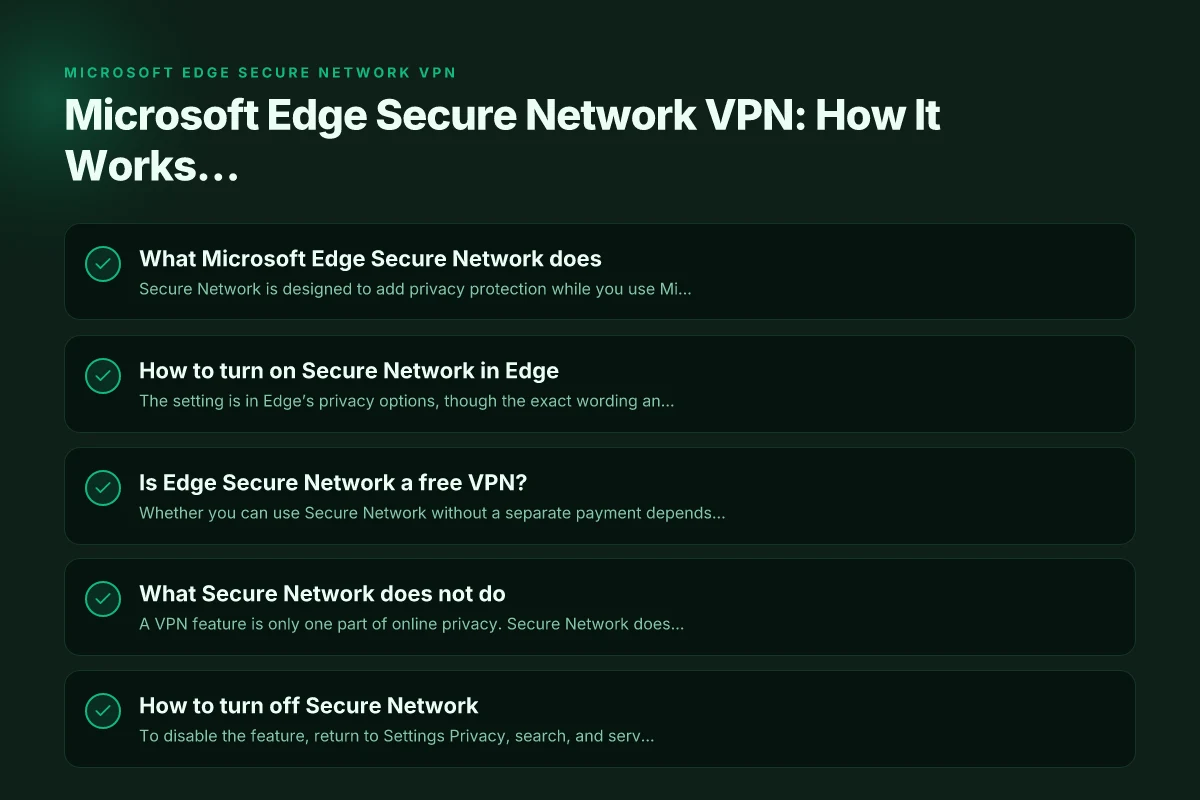
How to turn on Secure Network in Edge
The setting is in Edge’s privacy options, though the exact wording and availability may vary by version, account, or device. Urban VPN: Features, Apps, and What to Consider
- Open Microsoft Edge.
- Select the Settings and more menu, usually shown as three dots.
- Choose Settings.
- Open Privacy, search, and services.
- Find Microsoft Edge Secure Network.
- Turn on the feature or select the available option to use it.
If you do not see the setting, update Edge and check again. The feature may not be available in every configuration. On a work- or school-managed device, an administrator may control whether it can be used.
Is Edge Secure Network a free VPN?
Whether you can use Secure Network without a separate payment depends on the feature’s current availability and terms for your Edge account and region. Check the notice shown in Edge settings for the applicable details rather than assuming that access is unlimited or identical for everyone.
It is also important to distinguish “free to use” from “full VPN.” Secure Network is built into Edge and focuses on browser traffic. A standalone VPN service may offer broader device coverage or additional controls, but features differ by provider.
| Feature | Edge Secure Network | Standalone VPN |
|---|---|---|
| Protects browsing in Edge | Yes, when enabled and available | Usually, depending on setup |
| Covers other apps on the device | No | Often, depending on the app and configuration |
| Built into Microsoft Edge | Yes | Typically installed or configured separately |
| Best suited to | Extra privacy for Edge browsing | Broader device-level VPN needs |
What Secure Network does not do
A VPN feature is only one part of online privacy. Secure Network does not guarantee anonymity, prevent every website from identifying you, or replace safe browsing habits. Websites may still recognize you through sign-ins, cookies, browser settings, or other tracking methods. CJ VPN: What It Means and How to Find a Trusted VPN
Because the feature covers Edge traffic rather than the whole device, it may not protect:
- Traffic from other browsers.
- Connections made by desktop or mobile apps.
- Data you choose to share with a website or service.
- Your device from malware, phishing, or unsafe downloads.
For protection beyond Edge, consider whether you need a device-wide VPN. Review any provider’s privacy terms and capabilities before relying on it.
Choosing whether to use Edge Secure Network
| Situation | Turn it on? | Why | Keep in mind |
|---|---|---|---|
| Using public Wi-Fi | Yes | Adds protection to supported Edge traffic | It does not cover every app |
| Browsing in Edge | Yes, if useful | Works within the browser | Check the data allowance |
| Using apps outside Edge | No, not for those apps | Edge Secure Network is browser-focused | Consider a device-wide VPN |
| Wanting a specific country’s IP | Usually not | Location choices are limited | A full VPN may offer more control |
| Needing unlimited VPN data | No | The service has a monthly allowance | Check current allowance details |
| Wanting to stop using it | Turn it off in Edge settings | Stops Secure Network protection | Other VPNs are unaffected |
| Expecting full anonymity | No | A VPN does not guarantee anonymity | Use careful browsing practices |
Compiled November 2026; check the provider's site for current details. Urban VPN Extension Edge: How to Find, Install, and Use It
How to turn off Secure Network
To disable the feature, return to Settings > Privacy, search, and services > Microsoft Edge Secure Network and switch it off or choose the option that stops using it. If the setting is missing or unavailable, check for an Edge update or ask your organization’s administrator if the device is managed.
Turning Secure Network off removes its additional protection for Edge browsing. You can still use Edge normally, but your traffic will no longer be routed through the feature.
Recommendation
Use Microsoft Edge Secure Network as a convenient extra layer when browsing in Edge, especially on open Wi-Fi, if the option is available to you. Don’t treat it as a replacement for a full-device VPN: choose a separate service if you need VPN protection for other browsers and apps, and continue using strong account security and careful browsing practices.